Coming soon · Release date TBA
UpdatedMortuus System Requirements: PC, Mac, and Linux Guide
Check Mortuus system requirements for Windows, Mac, and Linux, compare minimum and recommended specs, and see how the free demo fits your gaming setup.
Jump to
What Are the Mortuus System Requirements?
Mortuus system requirements start at an Intel Core i3-6100 or AMD FX-6300, 6 GB of RAM, and GTX 750 Ti-class graphics on Windows. That modest starting point makes this zombie shooter worth checking out if your gaming PC is getting older. Comparing the Mortuus system requirements for the demo and full game also helps you plan your installation: the demo needs 1 GB of available space, while the full game's Windows requirements call for 2 GB.
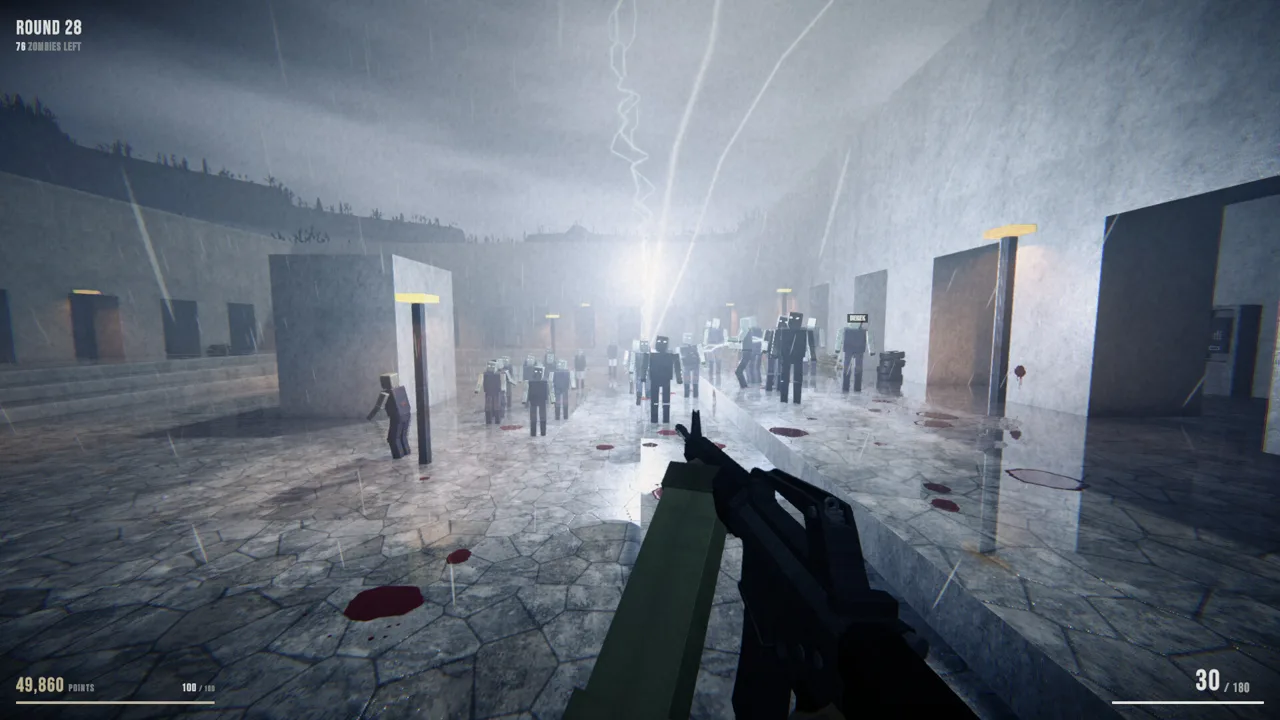
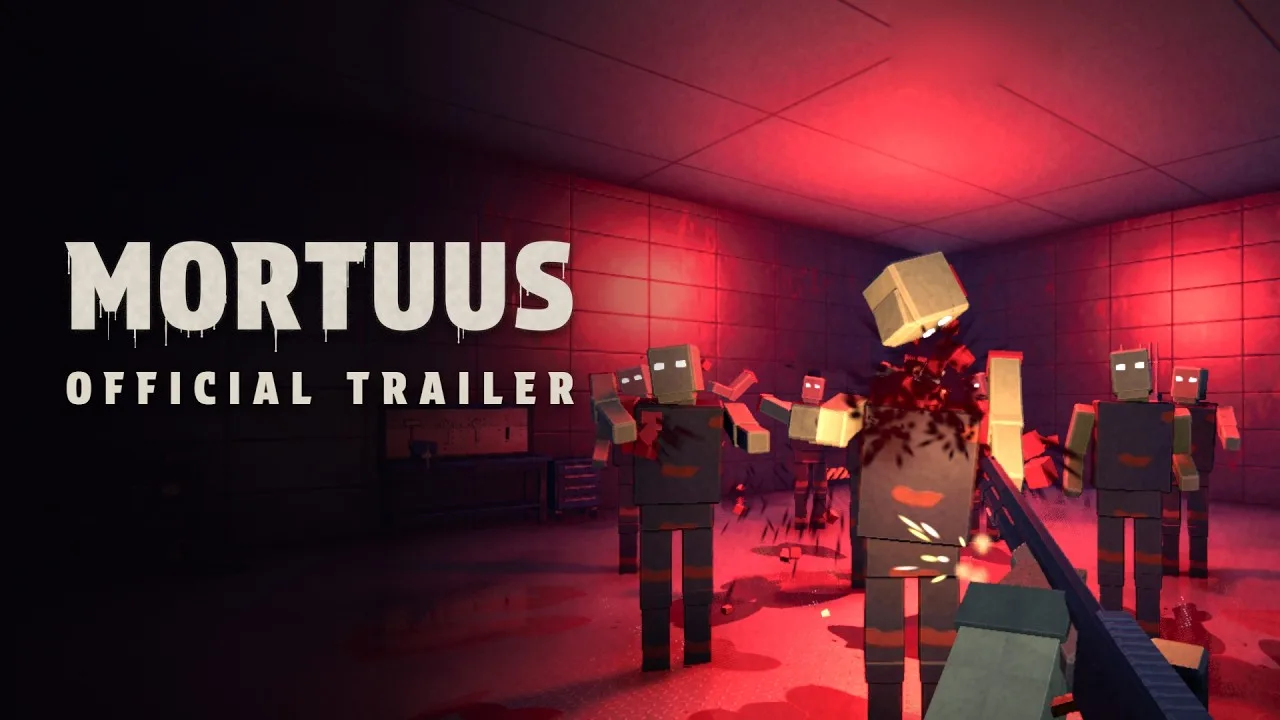
Mortuus is a round-based zombie FPS for solo players or groups of up to four. You fight through increasingly dangerous rounds, spend points on weapons and access to new areas, and navigate a procedurally generated map every run. Its blocky appearance comes with dismemberment, special enemies, and changing weather, so check the actual hardware requirements before judging it by screenshots.
For Windows, the demo and full game share the following processor, memory, graphics, and DirectX targets:
| Component | Minimum | Recommended |
|---|---|---|
| Operating system | Windows 10, 64-bit | Windows 10 or 11, 64-bit |
| Processor | Intel Core i3-6100 or AMD FX-6300 | Intel Core i5-8400 or AMD Ryzen 5 2600 |
| Memory | 6 GB RAM | 16 GB RAM |
| Graphics | NVIDIA GeForce GTX 750 Ti, AMD Radeon R7 260X, or Intel Iris Xe; 2 GB VRAM | NVIDIA GeForce GTX 1660 Super or AMD Radeon RX 5600 XT; 6 GB VRAM |
| DirectX | Version 11 | Version 12 |
| Network | — | Broadband internet connection |
The minimum configuration includes older dedicated graphics cards and Intel Iris Xe integrated graphics. The recommended configuration moves up to a different class of hardware, including a GTX 1660 Super or RX 5600 XT and 16 GB of system memory.
Compare all the components together. A machine with enough RAM still needs suitable graphics hardware, and a newer processor name alone does not tell you whether its integrated GPU meets the graphics requirement.
Demo vs. Full Game: Storage and Availability
The storage difference is easy to miss when checking Mortuus system requirements. The free demo and upcoming full game have separate space requirements, even though their Windows hardware targets match.
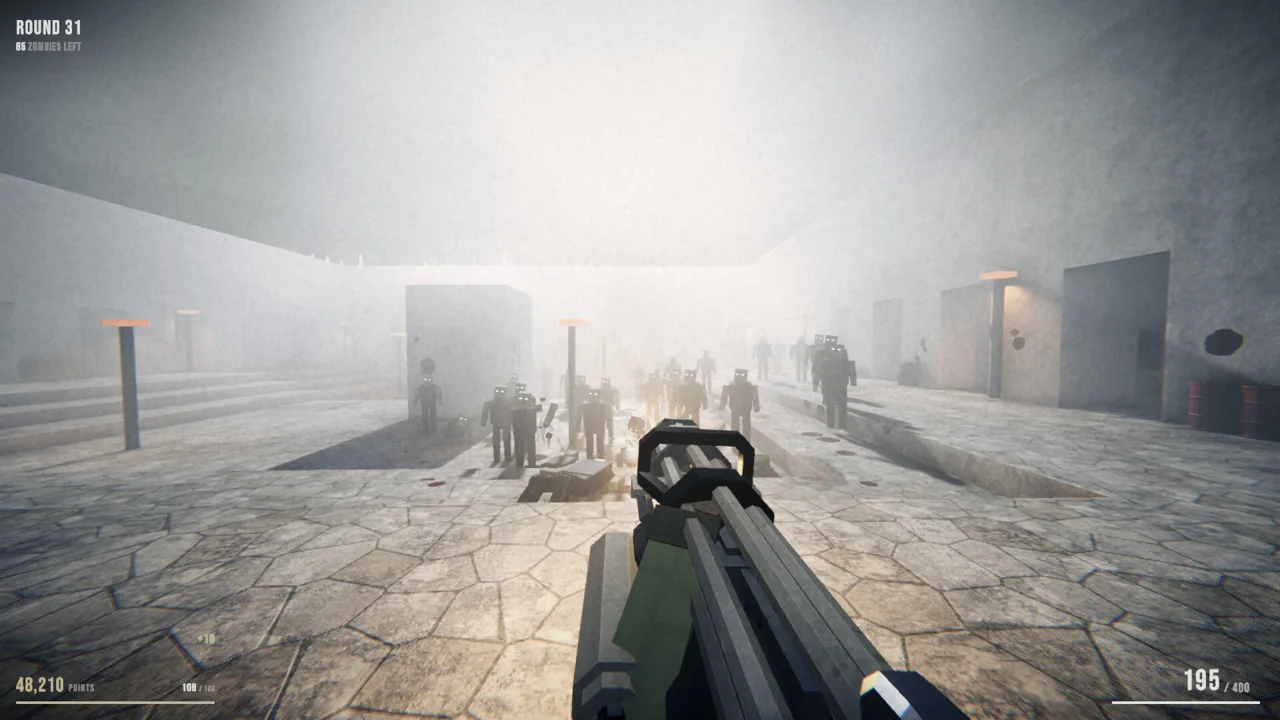 Image: Steam / Hamuno
| Version | Platform | Required available space |
|---|---|---|
| Mortuus Demo | Windows | 1 GB |
| Mortuus Demo | macOS | 1 GB |
| Mortuus Demo | SteamOS and Linux | 1 GB |
| Mortuus full game | Windows | 2 GB |
These figures describe available drive space. Use them when deciding where to install the game, and leave additional room for Steam downloads and updates.
The demo launched on October 14, 2026, and includes multiplayer co-op. As of October 20, 2026, the full game remains marked “Coming soon.” You can jump into the demo alone or bring friends along without waiting for the full release.
Download the free Mortuus Demo on Steam to try the game on your current setup. Use an ordinary survival session to assess aiming, movement, and how your machine handles combat.
Play beyond the opening room before deciding how comfortable the experience feels. Mortuus includes special enemies, weapon effects, and changing environments, so spending time with the game gives you a more useful hardware check than simply reaching the menu.
You can also wishlist the full Mortuus game on Steam while keeping the demo installed.
Mortuus Mac Requirements: Intel and Apple Silicon
The Mac demo has its own hardware targets, including support for both Apple Silicon and certain Intel configurations. Start with your processor and macOS version when comparing Mortuus system requirements on a Mac.
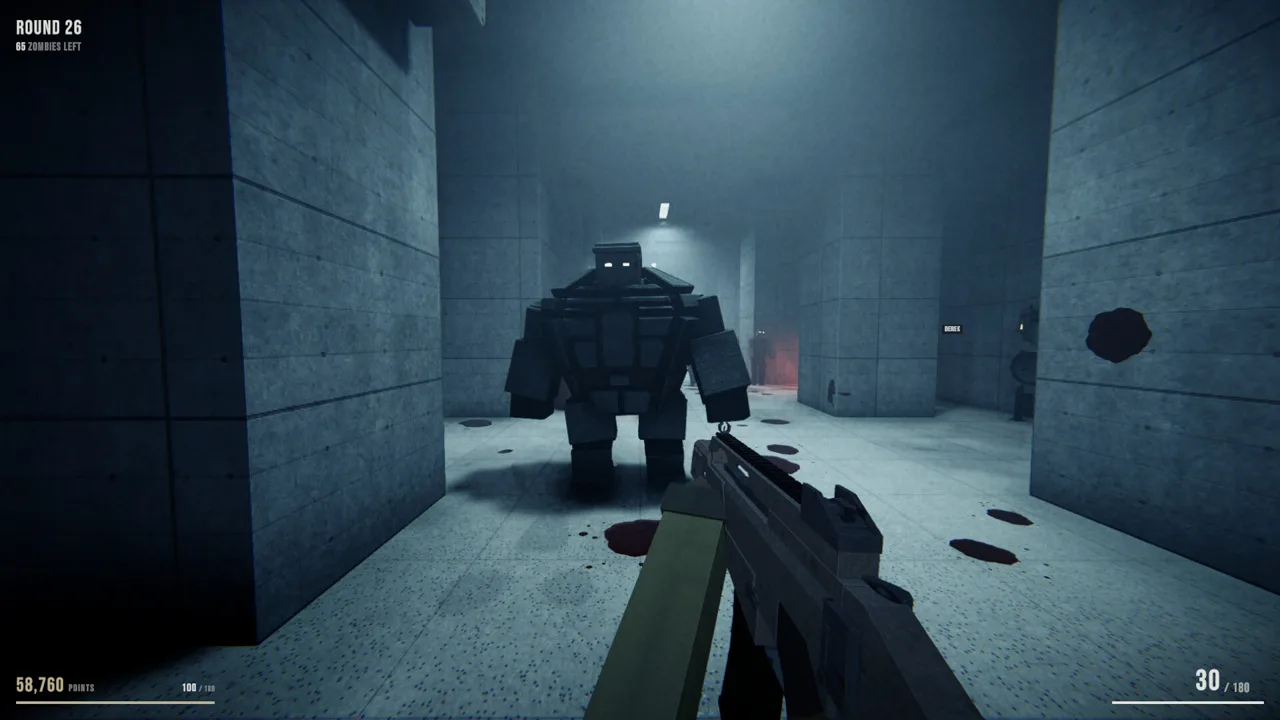 Image: Steam / Hamuno
| Component | Minimum for the Mac demo | Recommended for the Mac demo |
|---|---|---|
| Operating system | macOS 12 Monterey | macOS 13 Ventura or newer |
| Processor | Apple M1 or Intel Core i5, 2017 or newer | Apple M1 Pro or newer |
| Memory | 8 GB RAM | 16 GB RAM |
| Graphics | Apple M1 or AMD Radeon Pro 555; 2 GB VRAM | Apple M1 Pro or newer |
| Network | — | Broadband internet connection |
| Storage | 1 GB available space | 1 GB available space |
An Apple M1 appears in the minimum processor and graphics targets. The recommended configuration steps up to an Apple M1 Pro or newer, alongside 16 GB of RAM.
For an Intel Mac, check the graphics hardware separately from the processor. The minimum configuration pairs an Intel Core i5 from 2017 or later with an AMD Radeon Pro 555-class graphics target. Owning a Mac with the right processor does not complete the comparison.
Memory also deserves attention. The Mac demo starts at 8 GB, while the Windows and Linux minimum is 6 GB. Apply the requirements for the operating system you will actually use.
Before installing, check these items together:
- Your macOS version.
- Your exact Apple chip or Intel processor.
- Your graphics hardware on an Intel Mac.
- Your installed memory and available storage.
Keep the Mac table handy when checking an older machine. It prevents an easy mistake: matching the processor requirement while overlooking the operating system or graphics requirement.
Mortuus Linux and SteamOS Requirements
Mortuus supports Linux, and its demo requirements include SteamOS 3. For desktop Linux players, the minimum operating system target is Ubuntu 22.04 LTS, with Ubuntu 24.04 LTS in the recommended configuration.
| Component | Minimum for the Linux demo | Recommended for the Linux demo |
|---|---|---|
| Operating system | Ubuntu 22.04 LTS or SteamOS 3, 64-bit | Ubuntu 24.04 LTS or SteamOS 3, 64-bit |
| Processor | Intel Core i3-6100 or AMD FX-6300 | Intel Core i5-8400 or AMD Ryzen 5 2600 |
| Memory | 6 GB RAM | 16 GB RAM |
| Network | — | Broadband internet connection |
| Storage | 1 GB available space | 1 GB available space |
The processor and memory targets match Windows: an i3-6100 or FX-6300 with 6 GB of RAM at minimum, and an i5-8400 or Ryzen 5 2600 with 16 GB recommended.
Use this platform-specific table when checking Mortuus system requirements for Linux. Keep the Windows DirectX requirements with the Windows configuration when comparing your setup.
If you play on a SteamOS handheld, try the free demo on that device and assess readability, aiming comfort, and combat responsiveness. Mortuus revolves around movement through unfamiliar layouts, so controls need to feel comfortable while you turn, retreat, and deal with enemies coming from different directions.
The full game supports controllers, including Xbox and PlayStation controllers. Controller support also gives desktop players another input option, whether they are playing alone or joining an online group.
For a useful comparison, keep your settings consistent across sessions. Change one option at a time when investigating performance so you can tell which adjustment helps on your hardware.
Check Your Hardware and Prepare for Co-op
Use Mortuus system requirements as a component checklist before thinking about upgrades. The main questions are straightforward: does your operating system fit, does your processor meet the target, and do your memory and graphics hardware line up?
Match Exact Hardware Models
Compare the complete model name. “Core i5” covers many processors, while the recommended Windows target specifically names the Core i5-8400. The same applies to graphics cards: the GTX 750 Ti minimum and GTX 1660 Super recommendation represent different targets.
Keep system RAM and graphics memory separate during this check. The Windows minimum calls for 6 GB of RAM and a graphics configuration with 2 GB of VRAM. Adding system memory does not change which dedicated graphics card is inside your PC.
For laptops, pay particular attention to the GPU. Intel Iris Xe appears among the minimum Windows graphics options, but that does not make every Intel integrated graphics model interchangeable.
Try Your Existing Setup Before Buying Parts
Install the demo and assess the experience before spending money. Its small storage requirement makes it practical to try alongside your existing games.
If combat feels sluggish, lower the resolution and compare the same settings across another session. Close unnecessary background applications to give the game more of your machine's available resources. These are general troubleshooting steps; use the result on your own hardware to guide further changes.
Keep visual comfort separate from performance. Mortuus includes a film-grain intensity adjustment in its graphics settings. Turn that down if the grain makes enemies or corridors harder to read. A clearer image can make tracking movement more comfortable even when your hardware already meets the requirements.
Test the Mode You Plan to Play
The demo supports solo play and online co-op for up to four players. If you intend to play with friends, include a multiplayer session in your check and use a stable internet connection.
Get familiar with movement and spending points during that session. Doors and debris control access to more of the map, while wall weapons, perks, and the mystery box offer different ways to prepare for later rounds. After each round, you choose an upgrade from a draft.
Explore carefully as a group. Rooms, corridors, courtyards, and dead ends are rebuilt between runs, so remembering a previous route will not carry you through every match.
Check the game's feel while you are actually doing those things: turning through corridors, firing into a horde, opening new routes, and regrouping with teammates. That is the experience your setup needs to handle.
FAQ
What are the minimum Mortuus system requirements on Windows?
You need Windows 10, 64-bit; an Intel Core i3-6100 or AMD FX-6300; 6 GB of RAM; and a GTX 750 Ti, Radeon R7 260X, or Intel Iris Xe graphics configuration with 2 GB VRAM. The minimum DirectX version is 11. Allow 1 GB of space for the demo or 2 GB for the full game.
Can Mortuus run with integrated graphics?
Intel Iris Xe appears in the minimum Windows graphics requirements. Compare the exact graphics model in your computer, along with its processor and memory, against the complete minimum configuration. For the Mac demo, Apple M1 graphics also appear in the minimum requirements.
Does Mortuus support Mac and Linux?
Yes. Mortuus supports Windows, macOS, and Linux. The Mac demo starts at macOS 12 Monterey with an Apple M1 or qualifying Intel configuration. The Linux demo starts at Ubuntu 22.04 LTS or SteamOS 3, with a 64-bit operating system.
Is the Mortuus demo useful for checking performance before release?
Yes. The free demo includes solo play and online co-op for up to four players, letting you try the core survival gameplay on your machine. Compare your setup with the Mortuus system requirements, then play through combat and exploration to judge how it feels before the full release.
Continue with
 Mortuus Linux Guide: Native Support and Steam SetupCheck Mortuus Linux support, native demo launch options, Steam Deck status, and co-op basics. Get ready for changing maps and round-based zombie survival.
More in Platforms
Mortuus Mac Guide: Requirements, Demo, and Co-Op Play
Mortuus Mac guide covering macOS requirements, Apple silicon and Intel support, the free Steam demo, and co-op features. Get ready for your zombie run.
Mortuus Steam Guide: Free Demo, Co-Op, and PC Specs
Explore the Mortuus Steam demo, four-player co-op, PC requirements, controller support, and beginner tips. Download the demo and prepare for your next run.
Join the community
Official channels for news, updates and player help: