
Coming soon · Release date TBA
UpdatedMortuus Demo: Free Download, Co-Op, and Starter Tips
Play the Mortuus demo free on Steam with up to four players. Get download steps, PC requirements, combat tips, and help finding power and restocking ammo.
Jump to
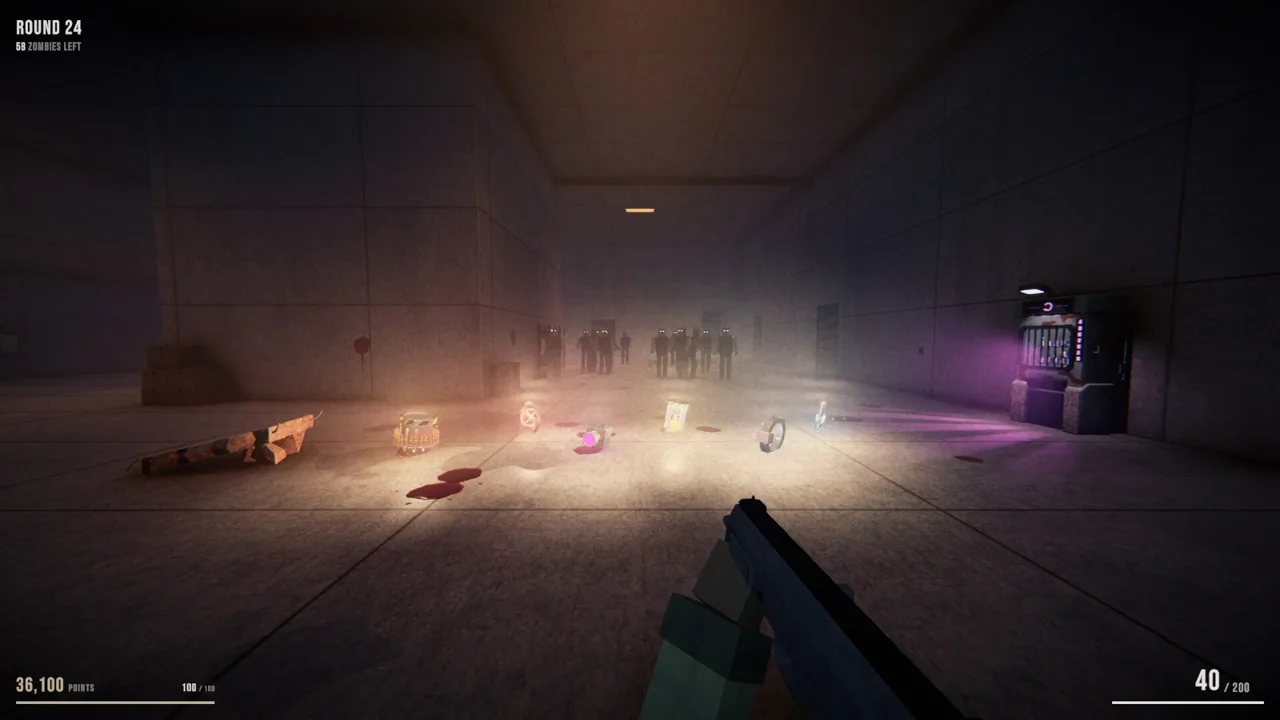
Mortuus Demo Is Free on Steam and Includes Co-op
The Mortuus demo puts you into round-based zombie survival with a map that changes every run. Available free on Steam, the Mortuus demo includes solo play and online co-op for up to four players, letting you try its shifting layouts and weapon upgrades before the full release. Bring friends or go alone: surviving means balancing ammunition, exploration, and upgrades while the horde keeps coming.
Developed and published by Hamuno, Mortuus pairs familiar zombie survival mechanics with procedural generation. You buy doors, grab weapons, activate power, and build your loadout between rounds. The difference is that memorizing one reliable route will only get you so far.
| Demo detail | What you get |
|---|---|
| Release date | October 14, 2026 |
| Price | Free |
| Download platform | Steam |
| Player count | 1–4 players |
| Modes | Single-player and online co-op |
| Computer platforms | Windows, macOS, and Linux |
| Developer and publisher | Hamuno |
| Required storage | 1 GB available space |
To start playing:
- Open the Mortuus demo download page on Steam.
- Select Install Demo.
- Complete the installation through Steam.
- Launch the demo and choose solo play or online co-op.
Check the demo requirements for your operating system before installing. Windows, Mac, and Linux have different minimum hardware requirements, even though each needs the same available storage.
As of October 20, 2026, the demo has a Very Positive reception on Steam, with 95% positive feedback across 254 reviews. That gives you an encouraging starting point, while the free download lets you decide how its shooting and procedural maps feel for yourself.
How the Maps, Weapons, and Upgrades Work
The Mortuus demo centers on a repeating survival loop: finish a round, spend points, choose an upgrade, and prepare for the next attack. Several systems compete for your resources, so each purchase affects how you tackle the rounds ahead.
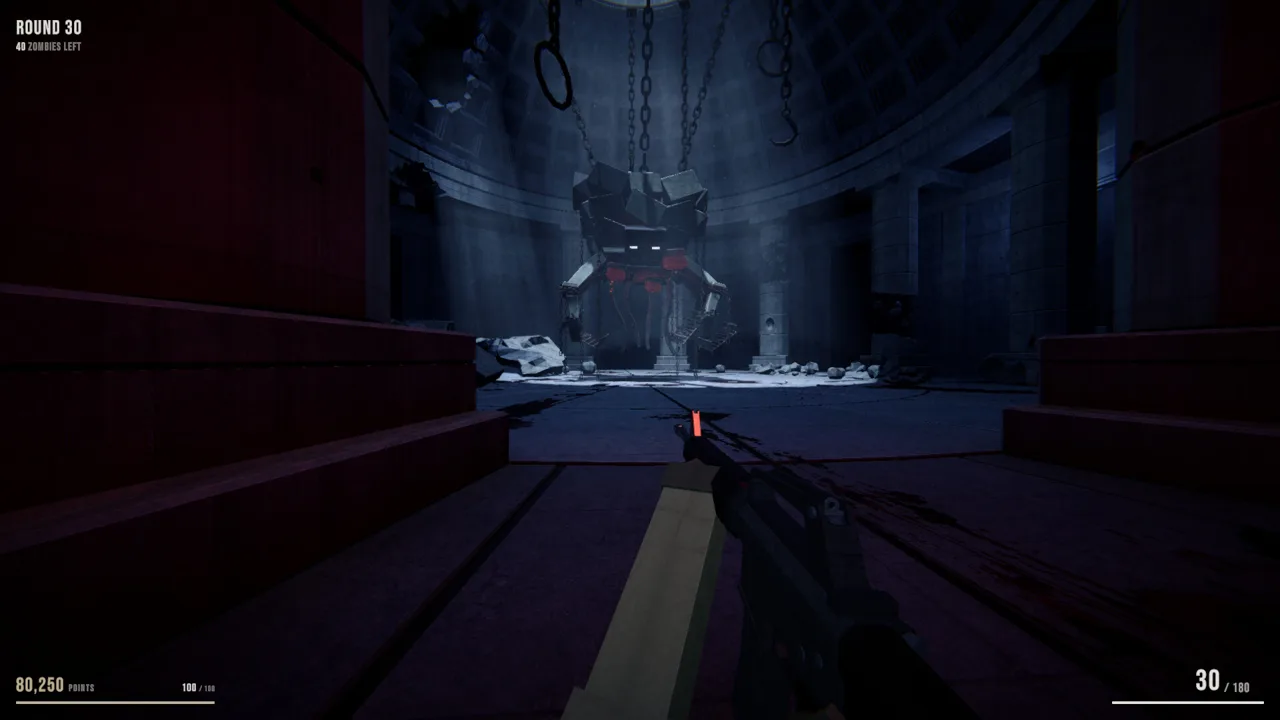 Image: Steam / Hamuno
| System | How it works |
|---|---|
| Procedural maps | Rooms, corridors, courtyards, and dead ends are rebuilt for each run |
| Doors and debris | Spend points to open routes through the map |
| Wall weapons | Purchase guns from marked wall locations |
| Mystery box | Obtain weapons through the box mechanic |
| Perk machines | Buy perks from machines scattered around the map |
| Gun Ascension | Improve a weapon at an altar and choose how it becomes stronger |
| Upgrade draft | Select one upgrade after each round |
Explore a fresh layout each run
Doors, perk machines, and the mystery box change locations between runs. Environments also feature daytime or nighttime conditions and clear or stormy weather.
That changes the value of exploration. A corridor that led somewhere useful in your last attempt offers no reliable shortcut in the next one. Learn how to recognize useful objects and navigate unfamiliar rooms instead of trying to reproduce a fixed route.
Check your exits when entering a new space. With dead ends included in the generated layouts, pushing deeper without looking behind you can leave you with fewer movement options when zombies arrive.
Build around your upgrade choices
Gun Ascension lets you feed a weapon into an altar and select an improvement. You can repeat the process as long as you can afford it. Between rounds, the upgrade draft adds another decision to your developing build.
Read each choice before committing. Favor upgrades that support the weapon and resources you are actually using. If ammunition is becoming your main problem, consider an ammo-related option when it appears instead of selecting an unrelated upgrade automatically.
The demo’s advertised features include more than 30 guns and five elements. Try different weapons across runs to learn their handling, then use the upgrade systems to explore how your choices fit together.
Beginner Tips for Power, Ammo, and Survival
In the Mortuus demo, focus on finding electricity, replenishing your weapon, and opening routes through the map. Work through those problems deliberately, and you can spend more attention on surviving the next wave.
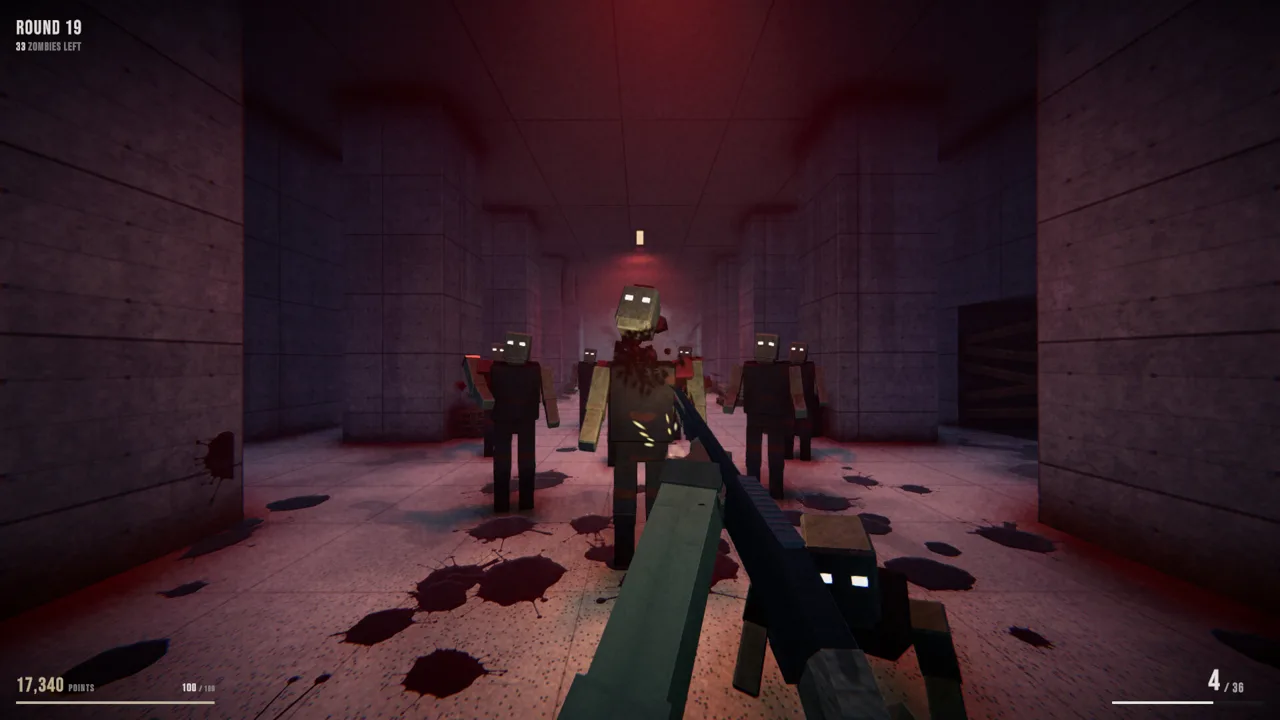 Image: Steam / Hamuno
1. Keep opening routes toward the power room
The map contains a power switch, and finding it is part of exploration. Look for a room with a large lever and a red light.
Buy doors and clear debris to reach new areas. Because the layout changes between runs, search the spaces you uncover rather than relying on directions from an earlier attempt.
Balance that exploration against your weapon needs. Keep enough firepower to survive while spending points on access; an unopened route cannot help you find the switch.
2. Remember where you bought your wall gun
Wall weapons also provide an ammunition solution. Return to the matching wall purchase location to buy more ammo for that weapon.
Make a mental note of the route when you purchase a gun. In an unfamiliar map, remembering the room and nearby corridors is more useful than realizing you need ammunition after you have wandered far away.
Do not assume every weapon marker serves your current gun. Find the matching weapon location when you need to restock.
3. Watch for ammunition power-ups and draft options
A maximum-ammunition power-up can replenish supplies, and an upgrade card can return bullets after a round.
Check those opportunities alongside wall ammunition. If you are repeatedly running dry, consider the ammo-return card when it appears in the draft. That decision directly addresses a resource problem that can otherwise interrupt your run.
Avoid building your entire plan around receiving a particular option. Keep track of an accessible wall weapon so you have another route to ammunition.
4. Give exploration a share of your points
Doors, weapons, perks, and Gun Ascension all draw on the points you earn. Spending everything in one place leaves less for the other systems.
Before making a purchase, identify your immediate problem. Open another route when you need to search for power. Replenish ammunition when your current weapon is running low. Consider Ascension when you want to improve a gun you plan to keep using.
Make each purchase solve something specific instead of spending simply because an interaction is available.
5. Watch the whole room during combat
Zombies can chase directly, intercept you, or approach by another route. Later threats include the Lope, which moves on its arms, and the Skitter, which travels across ceilings.
Check above you as well as along the floor. Keep watching side passages when firing into a crowd, and reassess your position whenever enemies approach from multiple directions.
Use newly opened routes to give yourself movement options. Before committing to a room, look for another way out.
6. Account for enemies that survive dismemberment
Mortuus features location-based dismemberment. Shooting off a zombie’s legs turns it into a crawling threat.
Keep track of enemies you disable without killing. Recheck the floor when moving through an area where you have been shooting, particularly if your attention has shifted toward a standing group.
Heavy weapon impacts and different death effects add plenty of visual activity. Keep your focus on enemies that are still moving.
7. Communicate discoveries during co-op
Share useful locations with your teammates as you explore: the power room, matching wall weapons, perk machines, and the Ascension altar.
Use recognizable room features when giving directions. Procedural generation makes knowledge from the current run especially valuable, and clear directions help your group find the same resources without repeating the search.
System Requirements, Controllers, and Visual Settings
The Mortuus demo has separate requirements for Windows, macOS, and Linux. On Windows, the minimum includes 6 GB of RAM and a GTX 750 Ti, Radeon R7 260X, or Intel Iris Xe with 2 GB of VRAM.
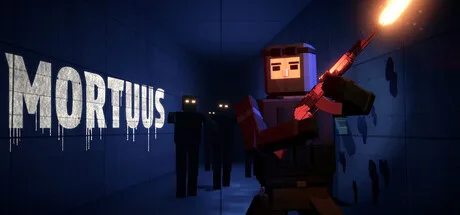 Image: Steam / Hamuno
| Windows component | Minimum | Recommended |
|---|---|---|
| Operating system | Windows 10, 64-bit | Windows 10 or 11, 64-bit |
| Processor | Intel Core i3-6100 or AMD FX-6300 | Intel Core i5-8400 or AMD Ryzen 5 2600 |
| Memory | 6 GB RAM | 16 GB RAM |
| Graphics | GTX 750 Ti, Radeon R7 260X, or Intel Iris Xe; 2 GB VRAM | GTX 1660 Super or Radeon RX 5600 XT; 6 GB VRAM |
| DirectX | Version 11 | Version 12 |
| Storage | 1 GB available | 1 GB available |
| Network | — | Broadband internet connection |
Mac players need at least macOS 12 Monterey, 8 GB of RAM, and an Apple M1 or a qualifying Intel Core i5 from 2017 or newer. Minimum graphics are Apple M1 or AMD Radeon Pro 555 with 2 GB of VRAM.
Linux minimum requirements include Ubuntu 22.04 LTS or SteamOS 3, a 64-bit system, an Intel Core i3-6100 or AMD FX-6300, and 6 GB of RAM.
Xbox and PlayStation controllers are supported. Steam Deck compatibility is Unknown as of October 20, 2026; SteamOS support and a Deck compatibility rating are separate considerations.
If the film grain makes the image uncomfortable to follow, lower its intensity in the graphics settings. Adjust it before a long session so you can concentrate on movement and enemy silhouettes.
Demo Release vs. the Full Mortuus Game
The October 14 release date belongs to the playable demo. As of October 20, 2026, the full Mortuus game remains Coming soon.
| Release detail | Mortuus demo | Full Mortuus game |
|---|---|---|
| Steam app ID | 5363350 | 3680170 |
| Release status | Released October 14, 2026 | Coming soon |
| Windows storage requirement | 1 GB | 2 GB |
| Steam action | Install the free demo | Add to your wishlist |
Use the full Mortuus Steam page to wishlist the game if you want to follow its release.
For now, use the Mortuus demo to learn the systems that carry each run: finding power, managing ammunition, opening routes, and choosing upgrades. Try solo play to focus on navigation, then bring friends to practice sharing discoveries and handling threats together.
Set a practical goal for each attempt. Find the power lever, learn how to resupply a wall gun, or experiment with Ascension. Those goals give you something useful to work on even when the next map rearranges everything.
FAQ
Is the Mortuus demo free?
Yes. The Mortuus demo is free to download on Steam and was released on October 14, 2026. It supports solo play and online co-op for up to four players.
How do you get more ammo?
Buy ammunition at the wall location matching your weapon. Maximum-ammunition power-ups and a draft card that returns bullets after a round provide additional ammunition options.
Where is the power switch?
Search newly opened areas for the power room, identified by a large lever and a red light. Continue buying doors and exploring because the map layout changes each run.
Does Mortuus have a full release date?
As of October 20, 2026, the full game is marked Coming soon. The October 14, 2026 release date applies to the demo.
Continue with
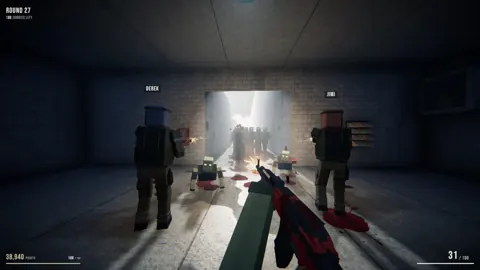 Mortuus Price Guide: Free Demo and Full Game DetailsCheck the Mortuus price status, download the free co-op demo, and explore release details, gameplay features, and PC requirements before you buy the game.
More in Release
See all ReleasePopular pages
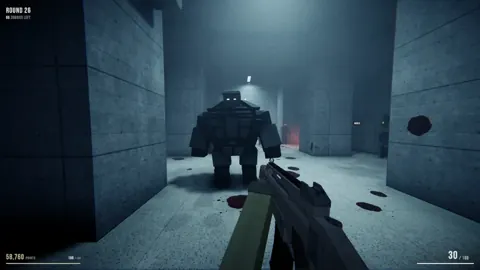
Mortuus Beginner Guide: Survive Your First Zombie Run
Use this Mortuus beginner guide to find power, refill ammo, choose upgrades, and handle zombie hordes. Learn practical tips for solo and co-op survival.
Mortuus Linux Guide: Native Support and Steam Setup
Check Mortuus Linux support, native demo launch options, Steam Deck status, and co-op basics. Get ready for changing maps and round-based zombie survival.
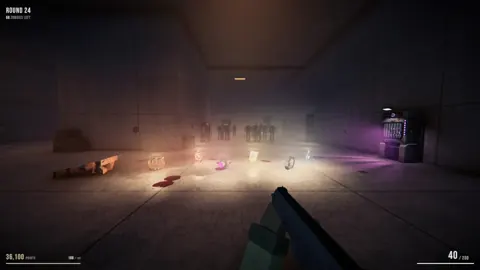
Mortuus Easter Egg Guide: Hunting the Hidden Ritual
Hunt the Mortuus easter egg with tips for exploring changing maps, managing points, upgrading weapons, and uncovering the ritual that wakes the Mother.
Mortuus Mystery Box Guide: Weapons, Locations & Tips
Learn how the Mortuus mystery box fits into your run, find it on changing maps, and plan weapon purchases, ammo supplies, and upgrades for longer survival.
Join the community
Official channels for news, updates and player help: