Coming soon · Release date TBA
UpdatedMortuus Release Date: Full Launch Status and Free Demo
Track the Mortuus release date, check the full game's launch status, and learn how to play the free co-op demo, pick your platform, and prepare your squad.
Release at a glance
- Release date
- Release date TBA
- Platforms
- Windows, macOS, Linux
- Status
- Coming soon
Jump to
What Is the Mortuus Release Date?
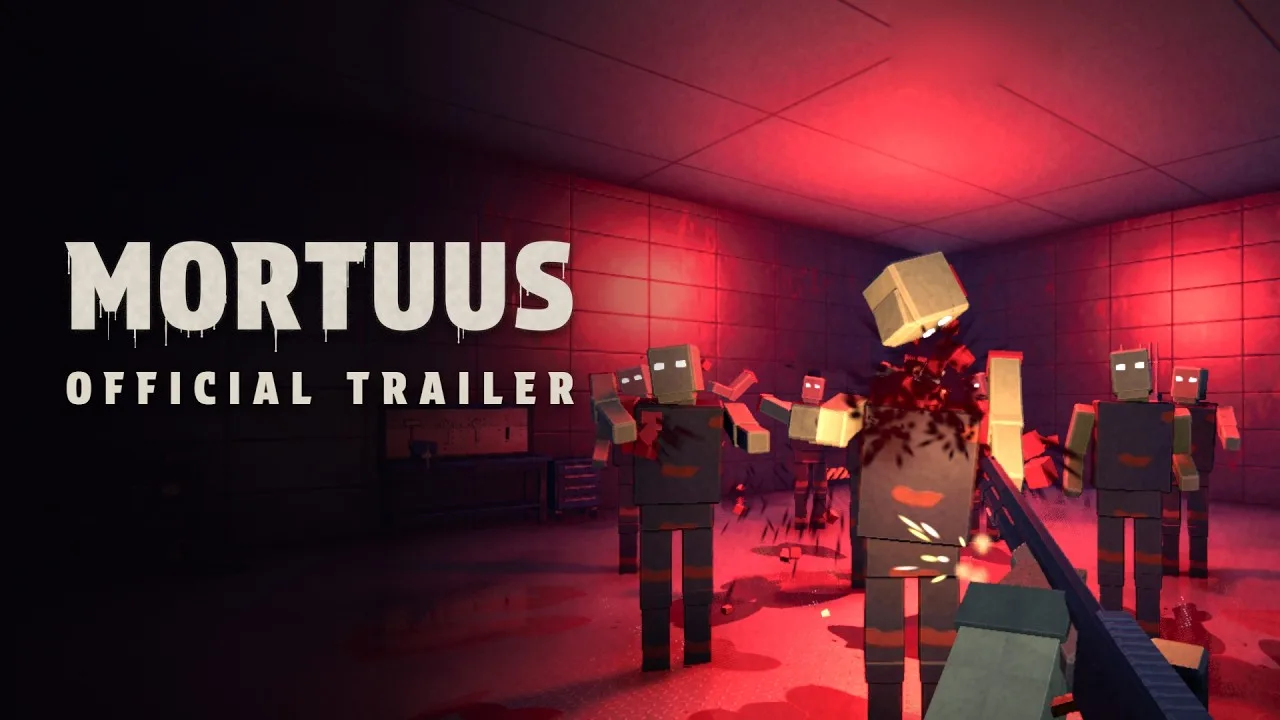
The Mortuus release date currently reads “Coming soon,” while the free demo is already playable. That distinction matters if you're getting friends together: you can start surviving zombie rounds now, with the full game's launch still ahead. While you wait for the Mortuus release date to become a calendar date, the demo lets you try solo survival and online co-op for up to four players.
As of October 20, 2026, Hamuno's zombie FPS has two separate Steam releases to keep straight:
| Version | Release status | Platforms | What you can do |
|---|---|---|---|
| Mortuus | Coming soon | Windows, macOS, Linux | Add the full game to your Steam wishlist |
| Mortuus Demo | Released October 14, 2026 | Windows, macOS, Linux | Download the free demo and play solo or online co-op |
October 14 is the demo's release date. If you're searching for the full Mortuus release date, “Coming soon” remains the current answer.
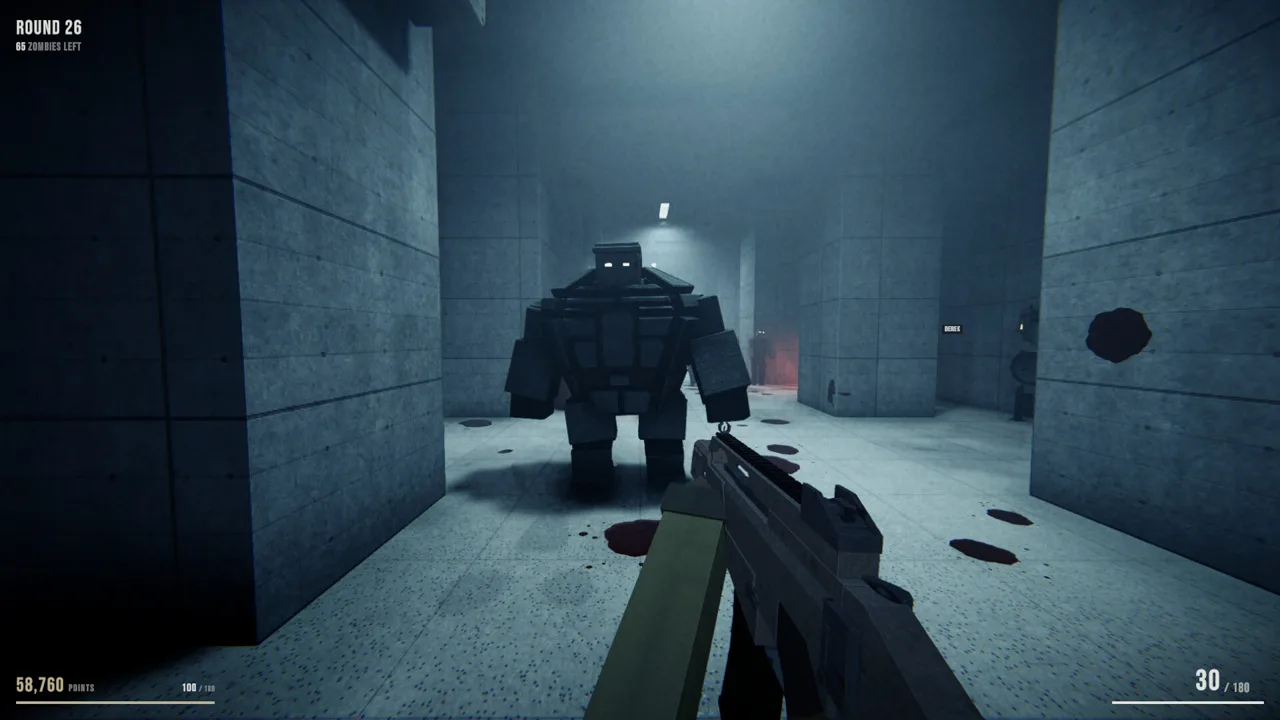
The full game combines round-based zombie survival with procedurally generated environments. You'll spend points on weapons, doors, perks, and upgrades while trying to stay alive through increasingly dangerous encounters. Its brutalist setting gives those familiar survival systems a different backdrop, with new layouts forcing you to reassess your routes.
Add Mortuus to your Steam wishlist to receive a release notification. For something playable today, head straight to the separate demo.
How to Play the Free Mortuus Demo
The demo includes multiplayer co-op, so your group can try Mortuus together before the full launch. You can also play alone if you'd rather learn the basic survival loop before bringing friends.
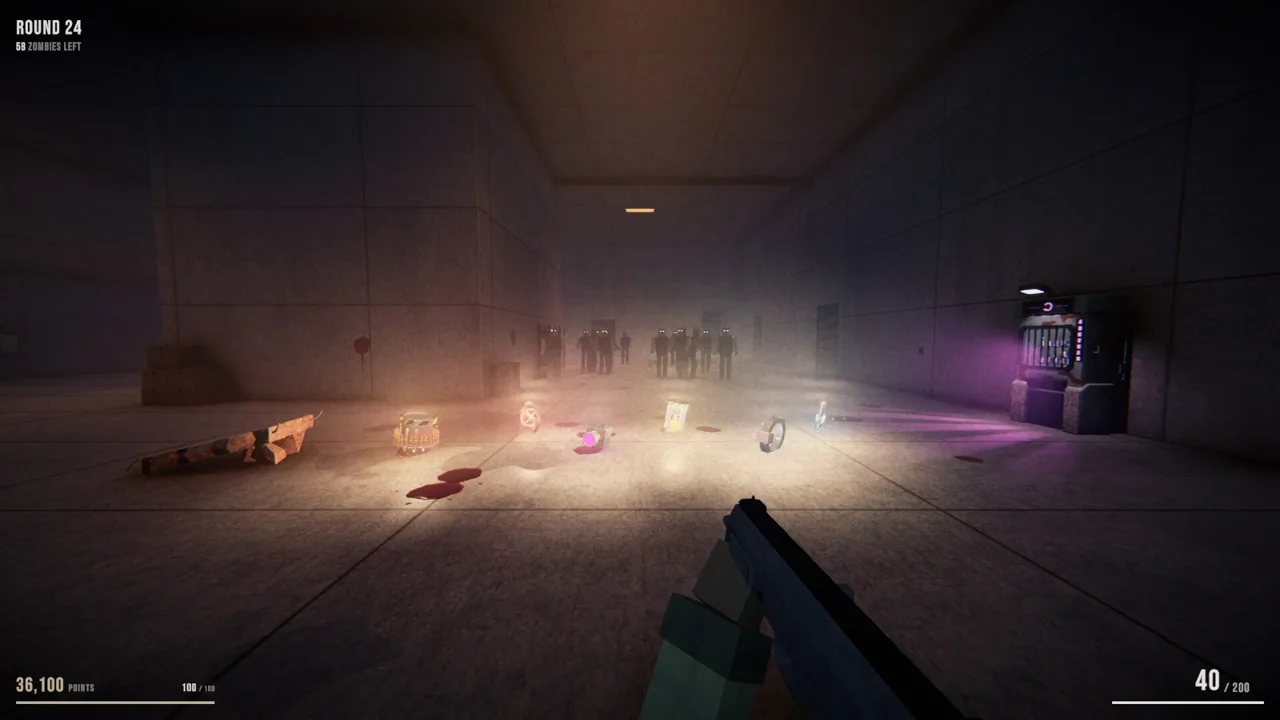 Image: Steam / Hamuno
To get started:
- Open the Mortuus Demo download page.
- Select Install Demo.
- Install it through Steam on your supported computer.
- Choose solo play or online co-op for a group of up to four players.
The demo gives you access to the game's defining setup: survive a round, spend your points, choose an upgrade, and tackle the next wave. Procedural generation rearranges the environment between runs, so repeating a session doesn't mean retracing an identical path.
How players have responded
As of October 20, the demo held a Very Positive Steam rating, with 95% positive feedback across 254 reviews. Its recorded peak reached 1,517 simultaneous players on October 18, 2026.
Those figures describe the demo's reception and activity. They give you a snapshot of how the playable version is doing while the full Mortuus release date remains “Coming soon.”
Try it with the friends you expect to play alongside at launch. Use that session to get comfortable with buying access to new areas, locating equipment, and choosing upgrades together. Since the demo supports online co-op, you can experience that part of Mortuus directly instead of judging the game entirely through solo rounds.
Keep the two Steam pages straight, too. Wishlist the full game for its eventual release, and install the demo when you want to play now.
What to Expect From Mortuus Gameplay
Mortuus builds its survival loop around recognizable zombie-shooter decisions: spend points to open another door, buy a weapon, improve your equipment, or invest in perks. The changing environment adds another consideration: you have to find those opportunities again each run.
A different layout every run
Rooms, corridors, courtyards, and dead ends are procedurally generated. Doors, perk machines, the mystery box, and escape routes change locations between runs. Environments can also feature daylight, nighttime, clear weather, or storms.
Scout each new layout before committing to a familiar movement pattern. A route you relied on during an earlier session won't necessarily exist in the next one.
Pay attention to connections between rooms and the space available for movement. With enemies capable of chasing, cutting you off, and approaching around your position, understanding the current layout matters throughout a run.
Weapons, perks, and upgrades
The game features more than 30 guns alongside several ways to improve your chances of surviving:
| System | How it works |
|---|---|
| Doors and debris | Spend points to expand access through the map |
| Wall weapons | Buy a gun from a weapon location on the wall |
| Mystery box | Use it to obtain a weapon |
| Perk machines | Purchase perks from machines distributed around the map |
| Gun Ascension | Upgrade a weapon at the altar and choose how it becomes stronger |
| Upgrade draft | Select one upgrade after each round |
Gun Ascension allows repeated upgrades for as long as you can afford them. The round-end draft adds another layer of choices, giving each run room to develop differently.
Compare your current weapon and available upgrades before spending. The game gives you several competing uses for points, so make purchases with your immediate survival needs in mind.
Enemies that change your priorities
Standard zombies don't all approach in the same way. Some pursue directly, while others attempt to intercept or move around you. Special enemies include the Juggernaut, Lope, and Skitter. The Lope moves on its arms, and the Skitter can travel across ceilings.
Look above your usual aiming height when checking for a Skitter. Watch approaches around your position instead of focusing every shot down a single corridor.
Dismemberment also affects enemy movement: shooting off a zombie's legs leaves it crawling. Keep checking the ground after disabling an enemy's legs, since losing its ability to walk doesn't remove it from the fight.
Alongside those systems, Mortuus features five elements, special enemies, boss fights, and a hidden ritual tied to the Mother.
Mortuus Platforms and PC Requirements
Before the Mortuus release date arrives, check your machine against the requirements and use the demo to try the game on your own setup. The full game supports Windows, macOS, and Linux.
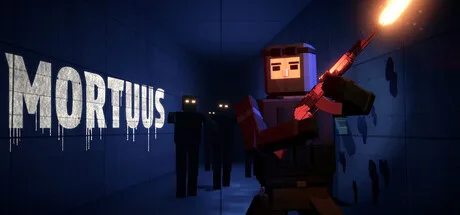 Image: Steam / Hamuno
| Platform | Minimum operating system | Recommended operating system |
|---|---|---|
| Windows | Windows 10, 64-bit | Windows 10 or 11, 64-bit |
| macOS | macOS 12 Monterey | macOS 13 Ventura or newer |
| Linux / SteamOS | Ubuntu 22.04 LTS or SteamOS 3, 64-bit | Ubuntu 24.04 LTS or SteamOS 3, 64-bit |
Windows system requirements
The Windows requirements start with older desktop processors and graphics cards. Use the component names below to compare your system without assuming a particular frame rate.
| Component | Minimum | Recommended |
|---|---|---|
| Processor | Intel Core i3-6100 or AMD FX-6300 | Intel Core i5-8400 or AMD Ryzen 5 2600 |
| Memory | 6 GB RAM | 16 GB RAM |
| Graphics | NVIDIA GeForce GTX 750 Ti, AMD Radeon R7 260X, or Intel Iris Xe | NVIDIA GeForce GTX 1660 Super or AMD Radeon RX 5600 XT |
| Video memory | 2 GB VRAM | 6 GB VRAM |
| DirectX | Version 11 | Version 12 |
| Full-game storage | 2 GB available | 2 GB available |
The Windows demo requires 1 GB of available storage, while the full game requires 2 GB. Keep that difference in mind when preparing space for both versions.
For macOS, the minimum processor is an Apple M1 or an Intel Core i5 from 2017 or newer, paired with 8 GB RAM. Recommended hardware moves to an Apple M1 Pro or newer and 16 GB RAM.
Linux requirements start at 6 GB RAM and an Intel Core i3-6100 or AMD FX-6300. The recommended processor and memory match the Windows recommendations: an Intel Core i5-8400 or AMD Ryzen 5 2600 with 16 GB RAM.
Controllers and Steam Deck
The full game supports controllers, including PlayStation controllers. That gives you another input option if you prefer playing a zombie shooter from the couch.
The demo's Steam Deck compatibility status is Unknown. SteamOS support and a Deck compatibility rating are separate details. If you plan to play on the handheld, try the demo on your device before making plans around the full launch.
How to Prepare for the Mortuus Release Date
You don't need to wait for the full launch to learn the decisions that shape a run. Use the demo to practice navigation, resource spending, and adapting your equipment.
Learn the systems that carry across changing maps
Focus on recognizing wall weapons, perk machines, doors, and the Gun Ascension altar. Their locations change, but understanding what each does gives you something useful to apply on the next map.
After each round, read the upgrade choices and compare them with your current weapon. Since the draft offers one selection per round, make that choice part of your routine before pressing onward.
For co-op sessions, communicate discoveries as you explore. Call out a weapon location or perk machine when you find one so your friends can orient themselves in the same changing environment.
Know your ammunition options
Wall weapons also provide a way to buy ammunition for the matching gun. Return to the corresponding wall weapon when you need to purchase more.
Other ammunition options include a max-ammo power-up and a card that returns bullets after a round. Check your weapon's ammunition while considering purchases and upgrades, especially before spending points elsewhere.
Adjust the image if film grain bothers you
The film-grain intensity can be reduced in the graphics settings. Lower that slider if the effect makes the image uncomfortable to look at, then check the result during play.
Keep your launch checklist simple
Before the Mortuus release date changes from “Coming soon,” take care of these practical steps:
- Wishlist the full game for its release notification.
- Install the free demo on your intended platform.
- Compare your hardware with the requirements.
- Try solo play or organize a co-op session.
- Practice finding equipment on unfamiliar layouts.
That leaves you ready to jump back in when the full game arrives, with a working grasp of its survival systems.
FAQ
What is the Mortuus release date?
As of October 20, 2026, the full Mortuus release date is “Coming soon.” The free demo launched on October 14, 2026, and is playable now.
Is Mortuus free to play?
The Mortuus Demo is free to download and play on Steam. It is a separate release from the upcoming full game.
Can you play Mortuus with friends?
Yes. Mortuus supports solo play and online co-op for up to four players. Multiplayer co-op is also included in the free demo, so you can try it with friends before launch.
Which platforms support Mortuus?
Mortuus supports Windows, macOS, and Linux through Steam. The demo also supports those platforms, with its Steam Deck compatibility status currently shown as Unknown.
Continue with
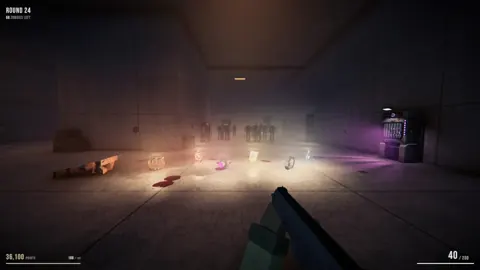 Mortuus Demo: Free Download, Co-Op, and Starter TipsPlay the Mortuus demo free on Steam with up to four players. Get download steps, PC requirements, combat tips, and help finding power and restocking ammo.
More in Release
See all ReleasePopular pages
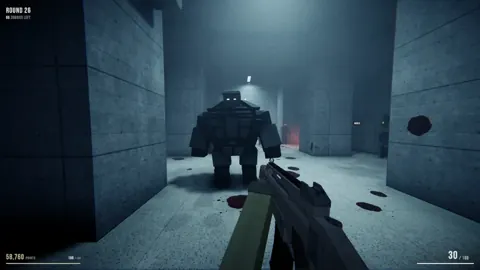
Mortuus Beginner Guide: Survive Your First Zombie Run
Use this Mortuus beginner guide to find power, refill ammo, choose upgrades, and handle zombie hordes. Learn practical tips for solo and co-op survival.
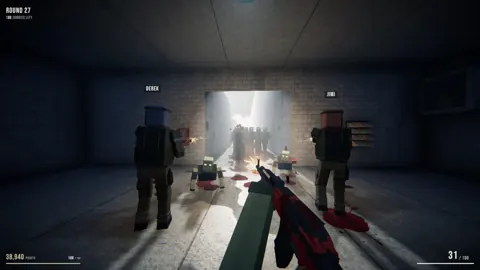
Mortuus Linux Guide: Native Support and Steam Setup
Check Mortuus Linux support, native demo launch options, Steam Deck status, and co-op basics. Get ready for changing maps and round-based zombie survival.
Mortuus Easter Egg Guide: Hunting the Hidden Ritual
Hunt the Mortuus easter egg with tips for exploring changing maps, managing points, upgrading weapons, and uncovering the ritual that wakes the Mother.
Mortuus Mystery Box Guide: Weapons, Locations & Tips
Learn how the Mortuus mystery box fits into your run, find it on changing maps, and plan weapon purchases, ammo supplies, and upgrades for longer survival.
Join the community
Official channels for news, updates and player help: